





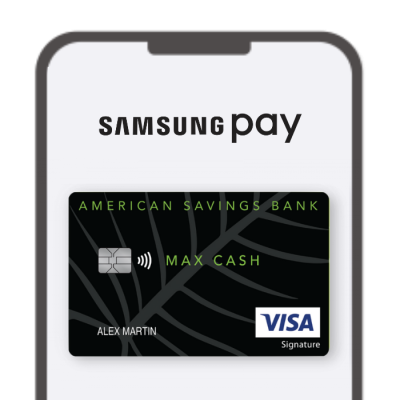
A mobile wallet is a way to digitally store your credit card or debit card on your mobile device.
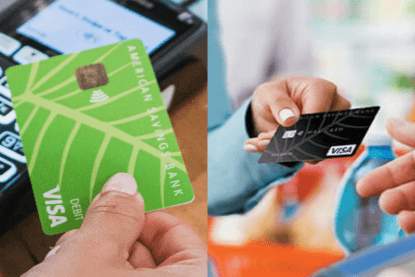
- Look for the contactless payment symbol
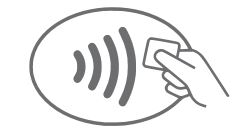
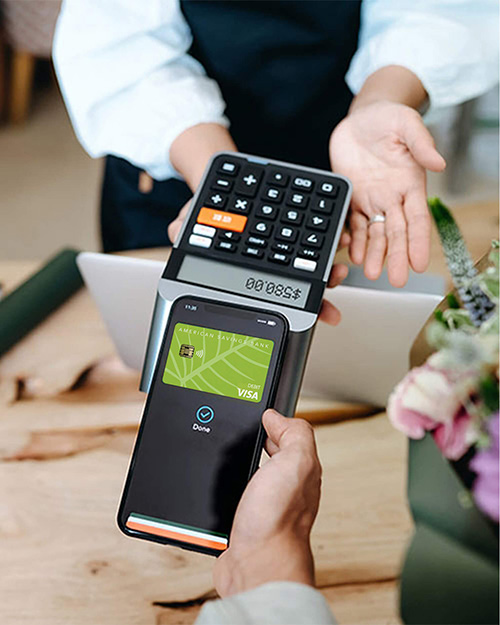
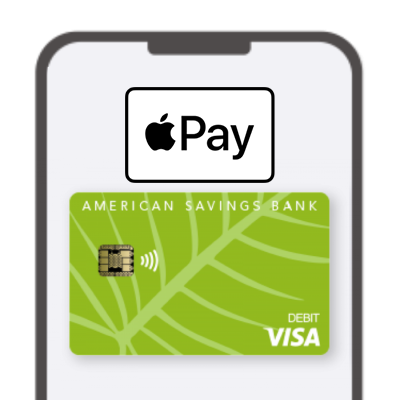
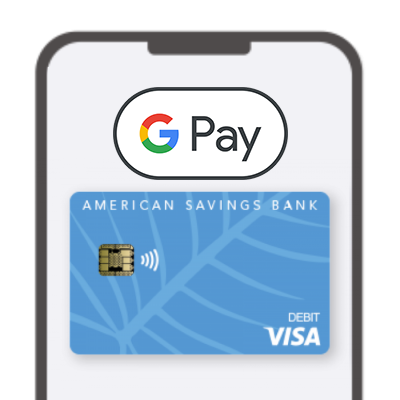
- Open your mobile wallet app (Apple Wallet, Google Wallet or Samsung Pay) and select your ASB Visa Debit Card
- Use it like a contactless card and tap
Yes, in fact they are considered more safe and secure due to using a tokenization feature to hide your actual card number.
- Open your mobile wallet app (Apple Wallet, Google Wallet or Samsung Pay) and tap the plus sign (+)
- Add Card by selecting “Debit” or” Credit Card”
- Tap (Apple Wallet only), scan or enter your card details with your phone
- Verify information and accept any terms and conditions
Look for the contactless symbol anywhere you are using your card