

Click below to learn more about one of
the ways we keep your Online Banking account secure:
Need Additional Assistance?
Watch our Online Banking Security Tutorial Videos
Or, click here to see our Online Banking Security Common Questions
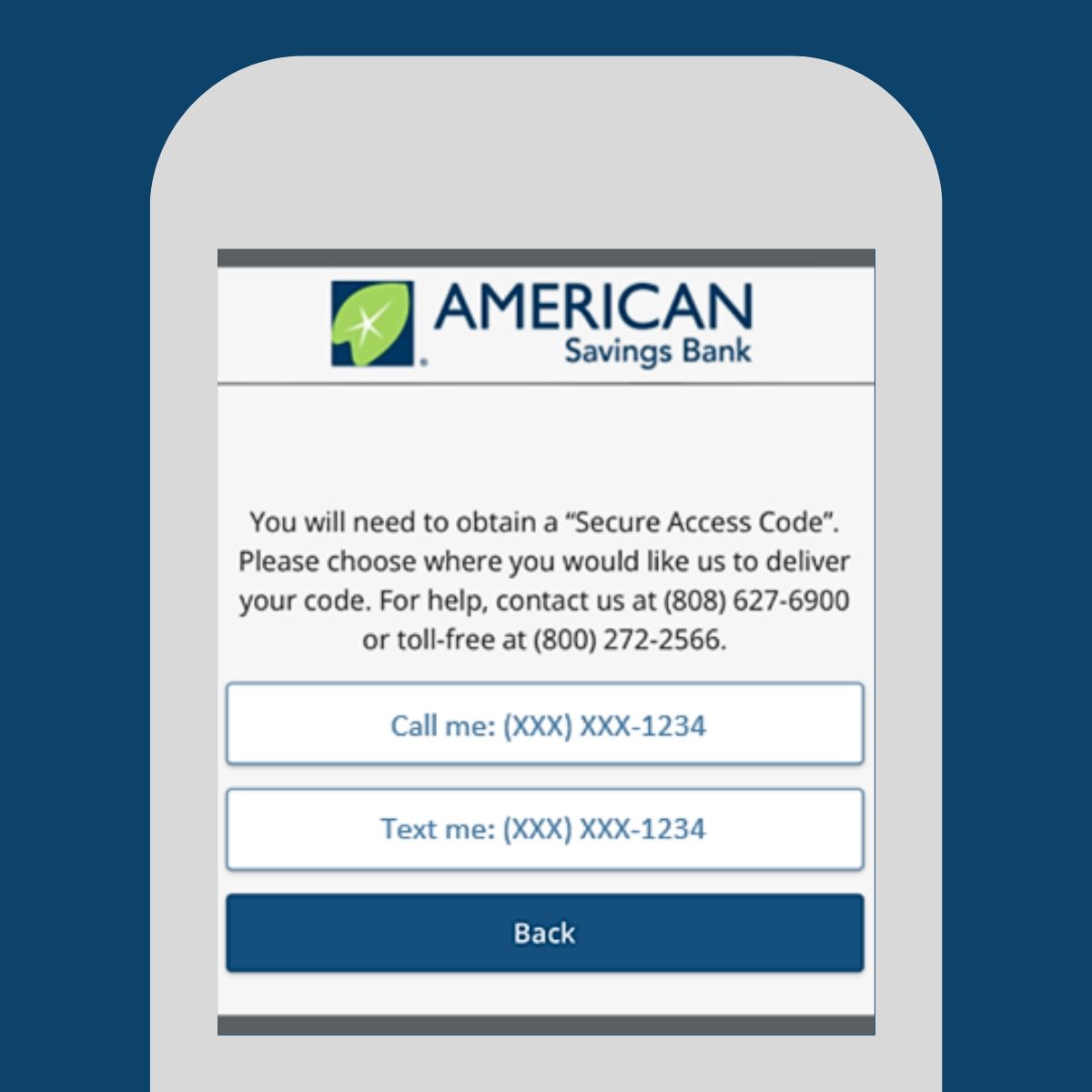
SECURE ACCESS CODE
What is it?
Secure Access Code is a code that is required to access your accounts via Online Banking for the first time from any new device. Not only does it add a layer of security to your Login ID and Password, but it also replaces security questions to provide an ease of accessibility while being secure.
How do I get it?
The Secure Access Code is delivered to you via text to your mobile phone number or voice call to your home or mobile phone number (please ensure that your phone number is current and up-to-date). For your protection, the code is only valid for 30 minutes so you must enter it as soon as you receive the code.
What do I do once I get it?
Once you get your secure access code via text or voice call, enter it in. After successful validation, you are given the option to trust your device or to continue to enter a secure access code at login. Once you “trust” and register your device, you no longer need a Secure Access Code when logging into Online Banking from that device. You will need to enter a secure access code when you login from any other device that is not registered as a trusted device. Only register devices that you own and trust. We recommend not registering a public device.
IMPORTANT REMINDER: Do not share your secure access code with anyone. ASB will never ask you for this code.
TOUCH ID AND FACE ID
What is it?
Biometrics (e.g. Fingerprint Login, Touch ID, Face ID and Face Authentication) are secure authentication methods for the ASB Mobile App and are an optional process that helps you bypass typing in your Login ID and Password. These allow you to log in with your thumbprint or face recognition.
Fingerprint Login and Face Authentication are only available for login authentication on supported Android devices. Touch ID and Face ID are only available for login authentication on supported iOS devices. These login authentication features require end-user registration at the device level.
How do I get it?
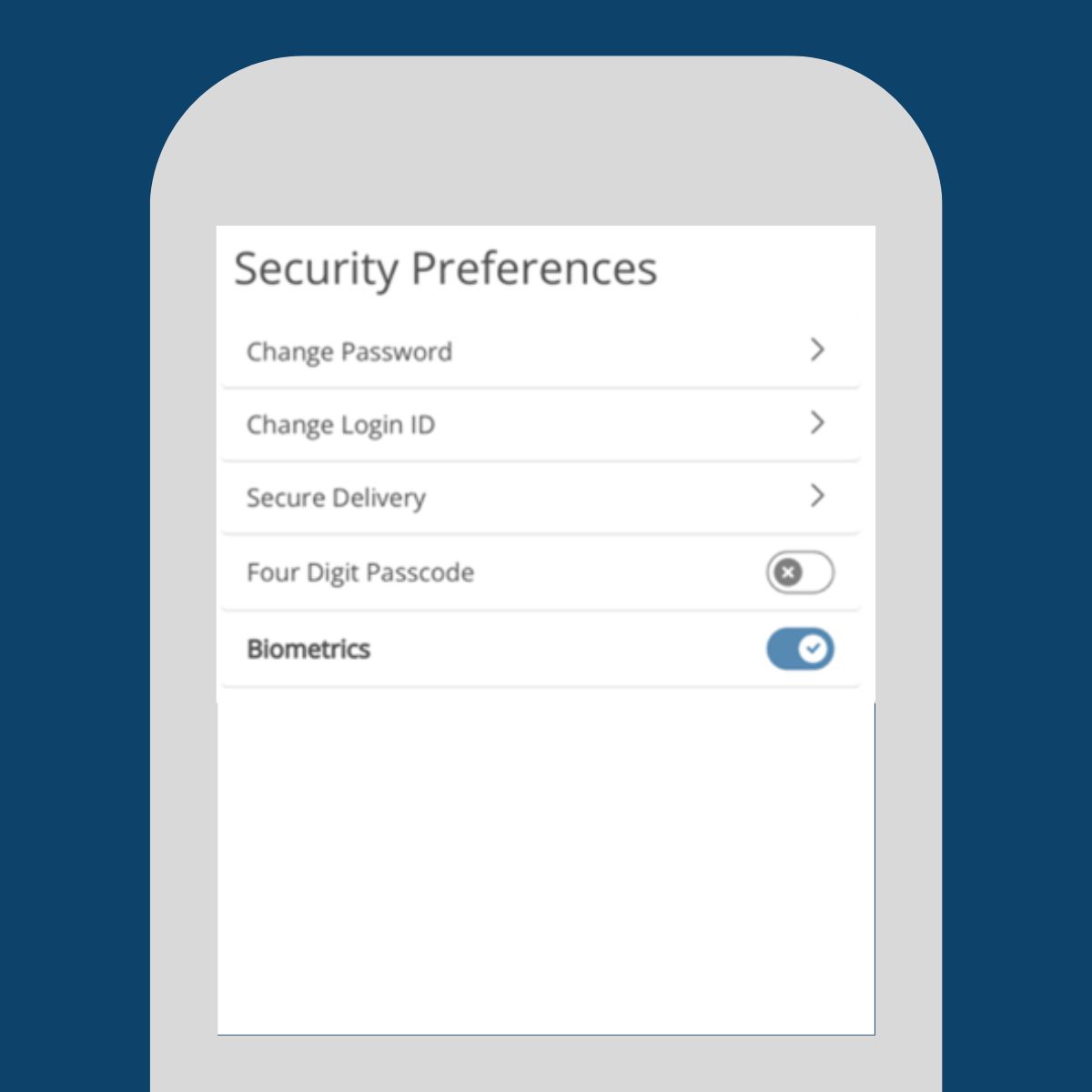
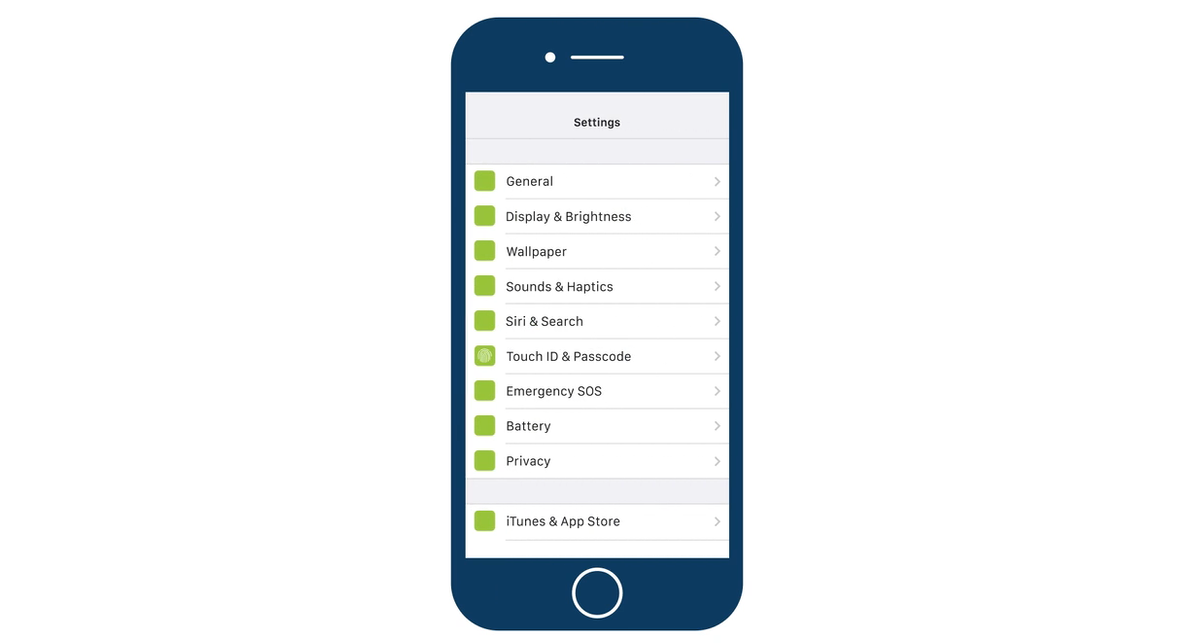
You will need to enable Biometrics from within the ASB Hawaii Mobile App. Under Menu > Profile & Preferences > Security Preferences > click 'TouchID/FaceID'. Find ‘Biometrics’ and tap the toggle button to the check mark icon. For your security, you will be asked to re-enter your Login ID and Password. You must already have FaceID/Biometrics enabled for your device in order to setup biometrics with ASB Hawaii Mobile App.
How do I use it?
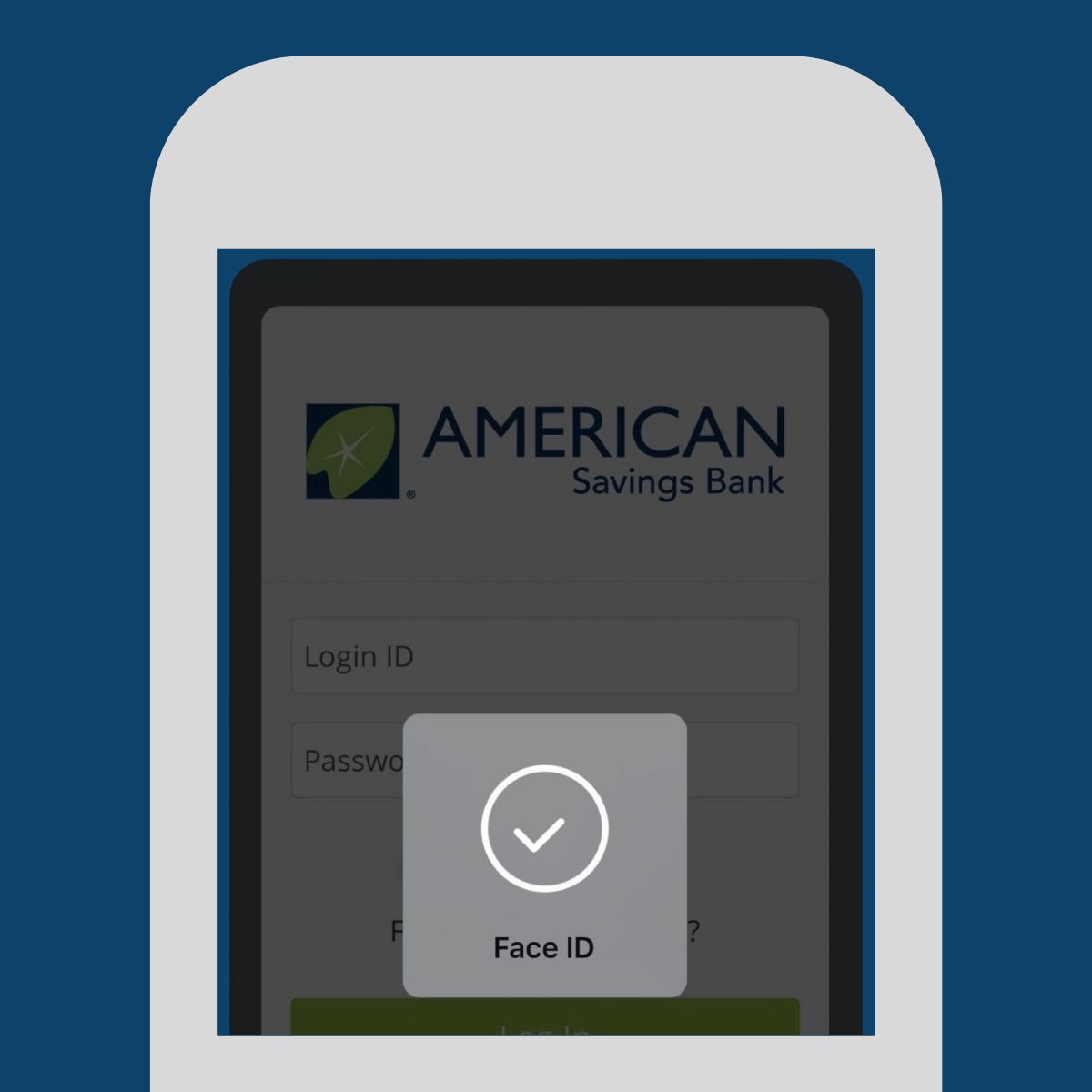
Once you have enabled Biometrics, The Touch ID thumbprint or Face ID scan will appear instead of the standard login and password fields. You may also use the standard login to enter your Login ID and Password from the app home screen.
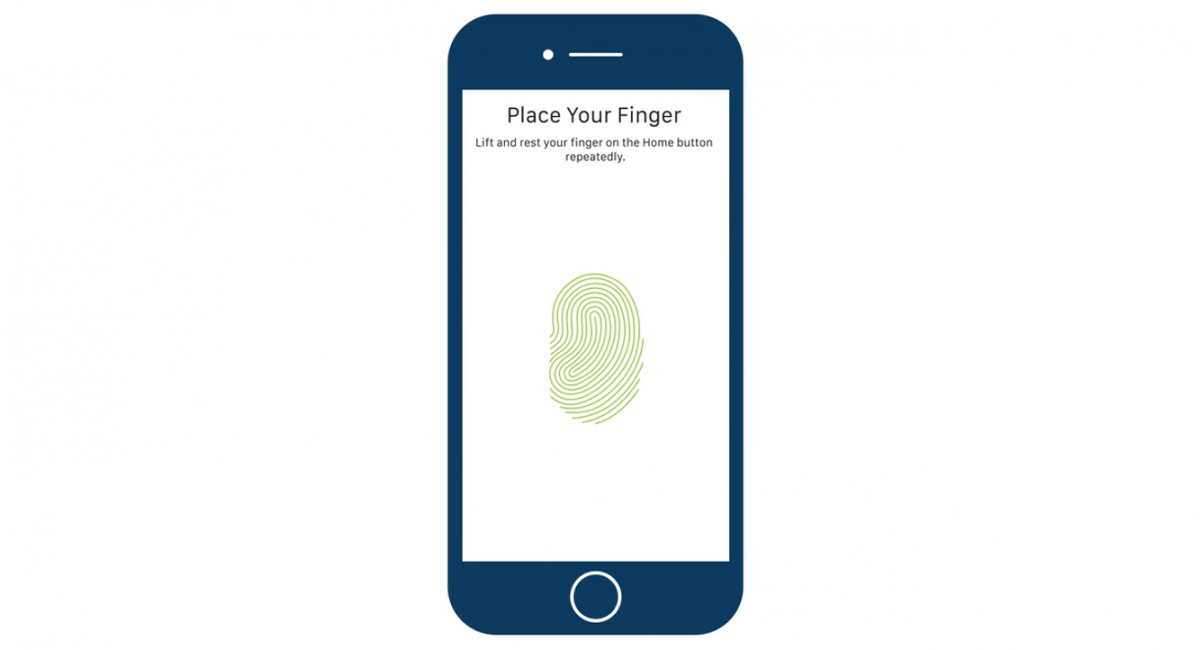
To use Touch ID thumbprint, when the Touch ID pop up appears after opening the app, tap the screen and then place your thumb on the home button of your Apple device.
To use Face ID, when the Face ID pop up appears after opening the app. hold the front facing camera in front of your face upon opening the app.
If you already have a Four Digit Passcode, you may sign up for Touch ID on your device too. You will see both Touch ID and Passcode options on the login screen.
FOUR DIGIT PASSCODE
What is it?
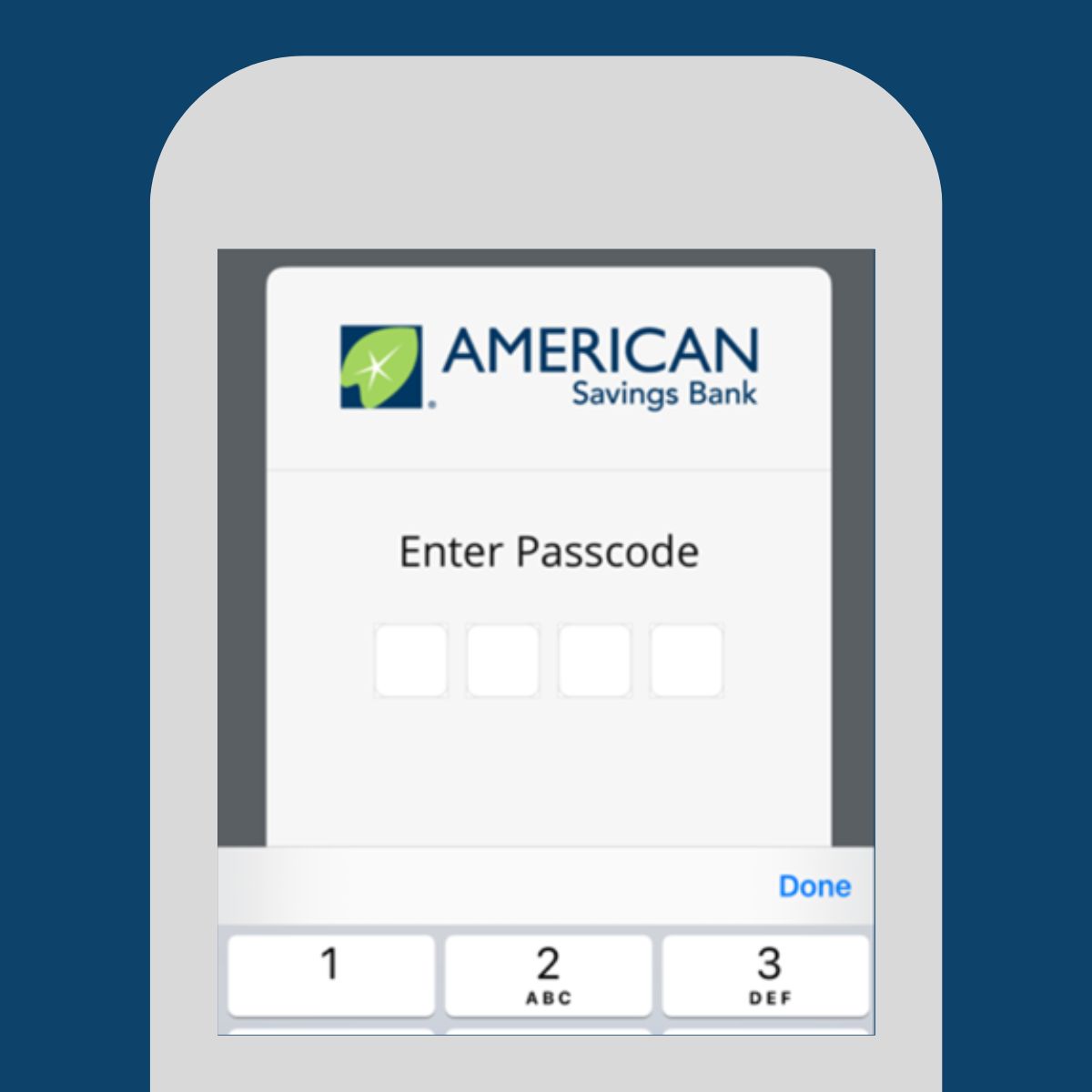
Four Digit Passcode allows you to log in to the ASB Hawaii Mobile App with a four digit code. It is available for Apple and Android devices. This is an optional process that helps you bypass entering your Login ID and Password.
How do I get it?
You will need to enable Passcode from within the ASB Hawaii Mobile App. Under Menu > Profile & Preferences > Security Preferences > click 'TouchID/FaceID'. Find ‘Four Digit Passcode’ and tap the toggle button to the check mark icon. For your security, you will be asked to re-enter your Login ID and Password. Follow the next prompts to enter and confirm your four digit passcode.
How do I use it?
The Four Digit Passcode will appear instead of the Standard Login and Password fields. You may also click on Standard Login to use your Login and Password. When the Four Digit Passcode appears, enter your passcode. ASB Hawaii Mobile App will automatically log you in.
What if I already have Touch ID?
You may sign up for the Four Digit Passcode as well as Touch ID on your device. You will see Touch ID and Passcode as options on the login screen.
TIME OUTS & LOGIN IDs
What are Time Outs?
You should always log off Online Banking and Mobile app when you are finished using it. Go to Menu > Log Off which is located at the bottom of the menu. When you are logged into Online Banking, after 20 minutes, Online Banking will automatically log you out for your security. Please log back in if you need to continue.
Login IDs and Passwords
Create a strong Login ID and Password. See requirements and guidelines below:
Login ID: Must have at least 1 letter, 1 number, and 1 special character (use only @, $, !, ., &, -). Must be between 8 - 32 characters. No more than 6 consecutive numbers. Do not include personal information (Social Security Number, Account Number, Phone Number, First and Last Name, Date of Birth, Email Address, etc).
Passwords: Must be between 8-25 characters in length, contain a least 1 number, 1 lower case character, 1 upper case character, and password may not be the same as the last 24 passwords.
Do not use personal information that can easily be found online or guessed. Protect your User ID and Password. Do not share your login ID and password with anyone, do not reuse passwords, and do not save login information on public sites.
ONLINE BANKING SECURITY LEARNING HUB:




Your Security Alerts
Feel confident while using Online Banking and immediately receive a notification when an alert is triggered.
Message Overviews
Create and send secure messages to communicate directly with an ASB support staff member.

See all of our Online Banking tutorial videos >
At American Savings Bank (ASB), protecting our customers’ financial data is our top priority. If someone contacts you claiming to be from ASB and asks for account details or to transfer money, it may be fraud to gain access to your banking information or deposits. We encourage customers to regularly monitor their accounts and contact ASB’s Customer Banking Center at (808) 627-6900 or toll-free (800) 272-2566 to report suspicious activity.