
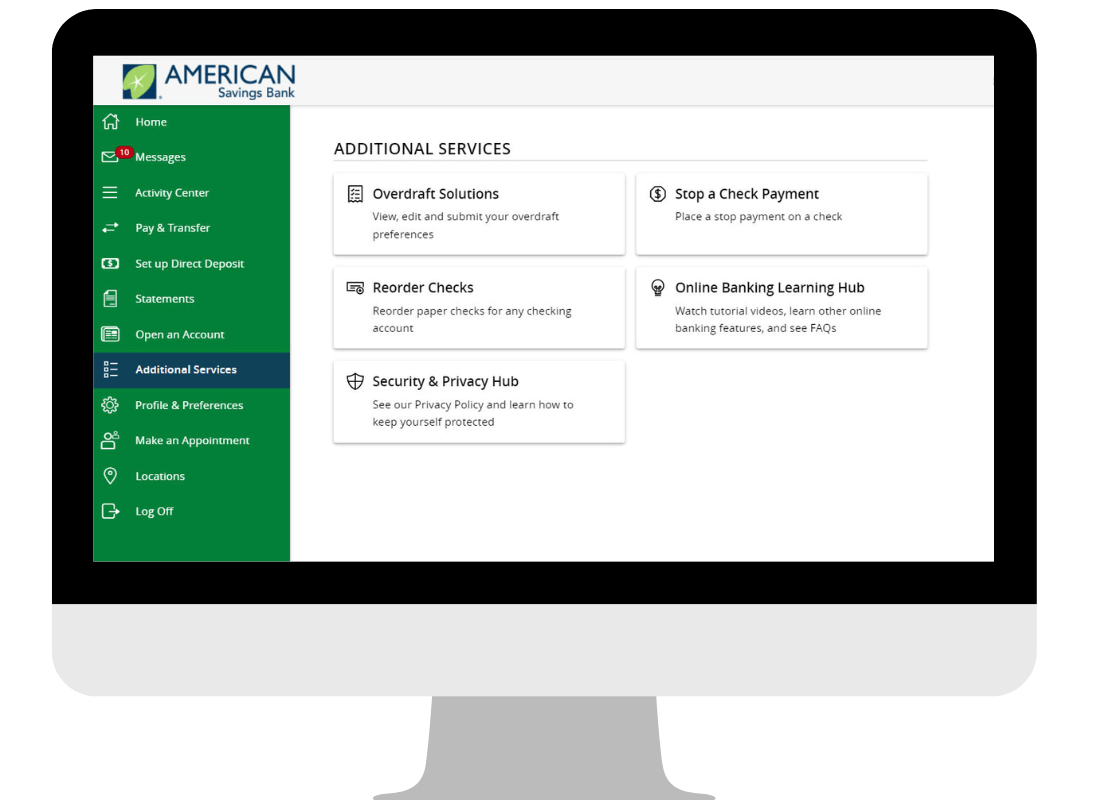
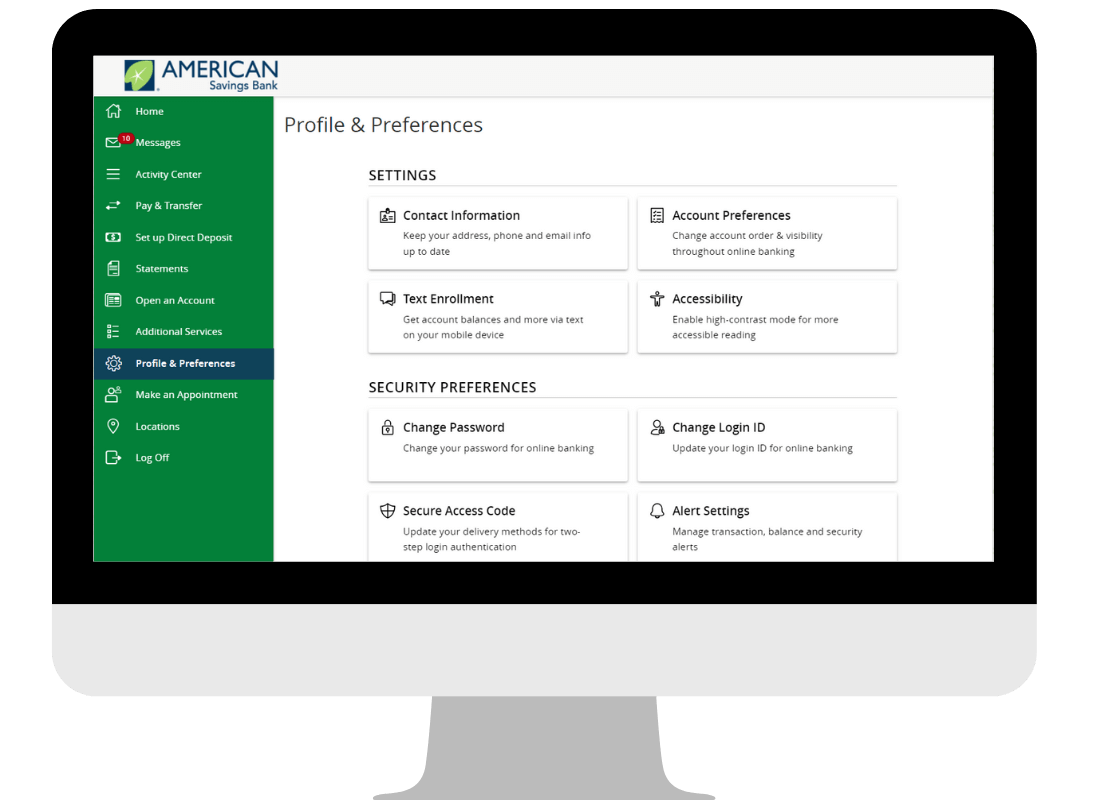
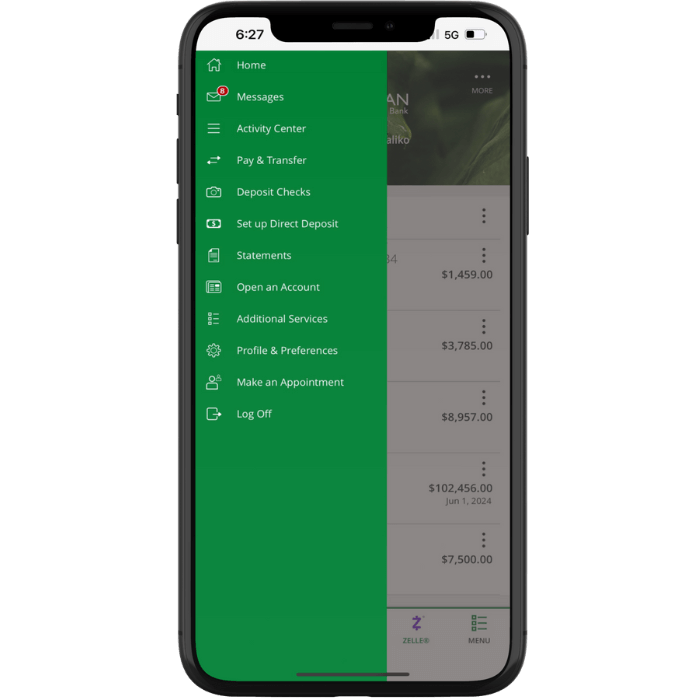
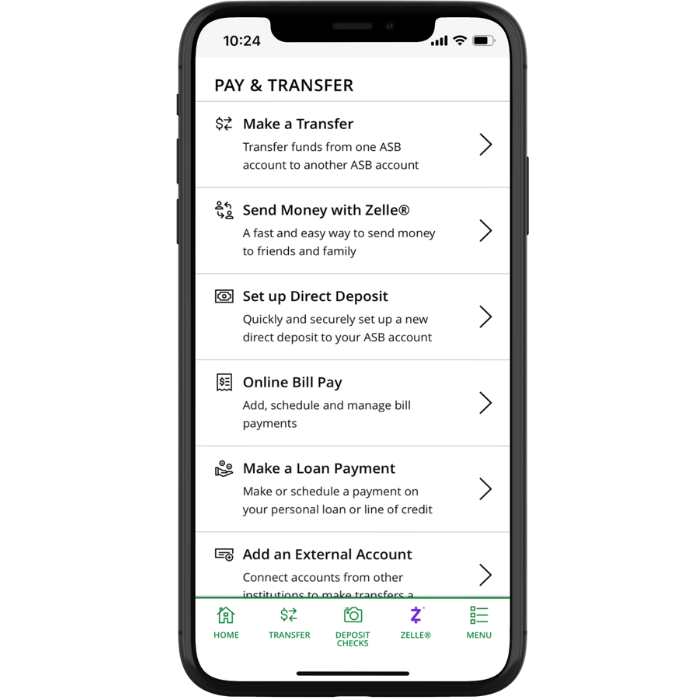







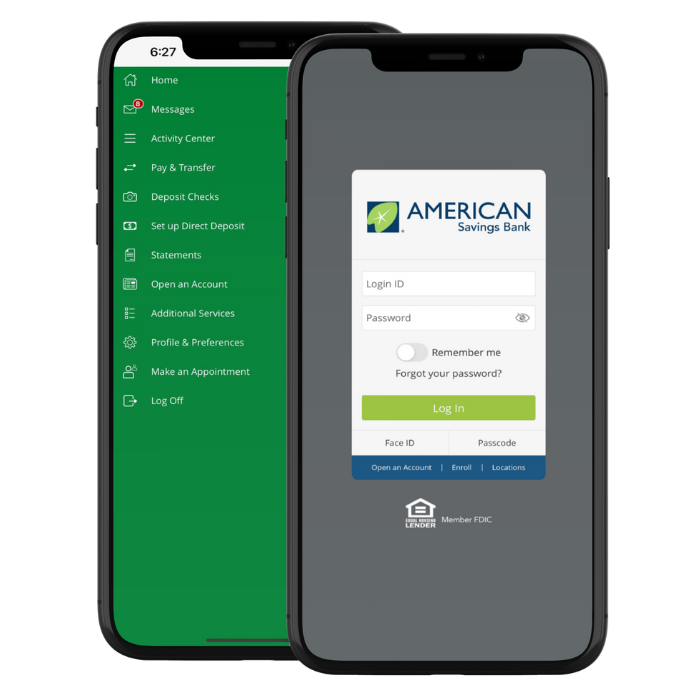






To sign up for Online Banking you can enroll directly from our website, asbhawaii.com or by downloading our mobile app. To access Online Banking from your desktop, tablet, or mobile device, you only have to enroll once. This means you can use the same Login ID and Password to access Online Banking from any device.
To enroll in Online Bankimg, follow these steps:
- Go to our Online Banking Enrollment page.
- Click on the ‘Enroll Your Personal Account’ button and a new secured window will appear.
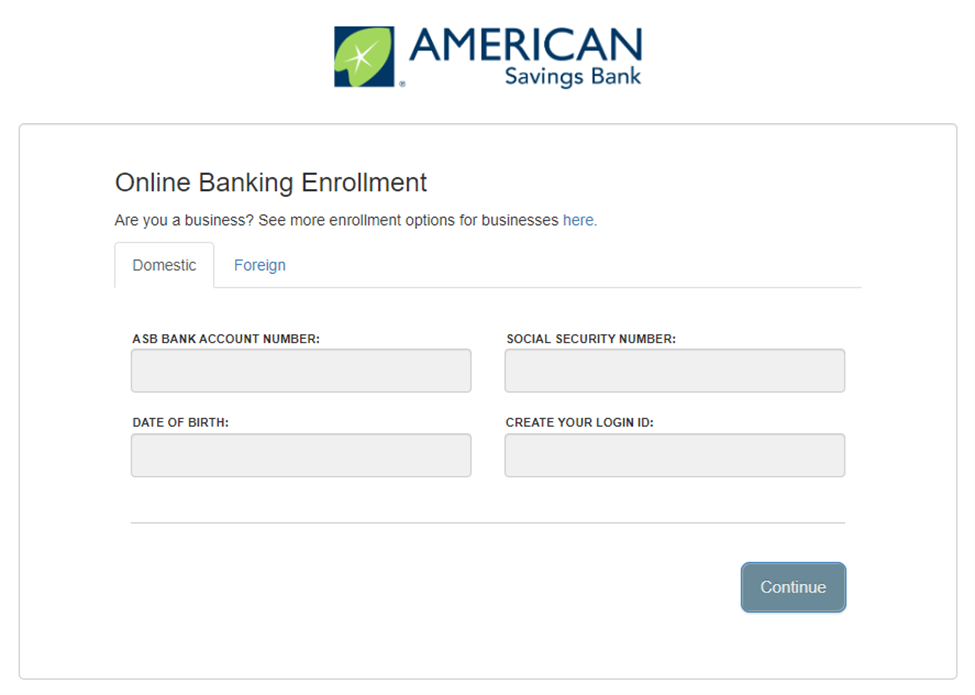
- Select the ‘Domestic’ tab.
- To enroll you will need to provide the following:
- ASB Bank Account Number
- Social Security Number
- Date of Birth
- Your Requested Login ID
- Click the ‘Continue’ button and follow the authentication prompts in order to complete your enrollment.
To sign up for ASB Online Banking as a foreign customer follow these steps:
- Go to our Online Banking Enrollment page.
- Click on the ‘Enroll Your Personal Account’ button and a new secured window will appear.
- Select the ‘Foreign’ tab.
- To enroll you will need to provide the following:
- ASB Bank Account Number
- Social Security Number
- Date of Birth
- Your Requested Login ID
- Click the ‘Continue’ button and follow the authentication prompts in order to complete your enrollment.
Yes, you will need to enroll in online banking before you can access your accounts from the ASB Hawaii Mobile App. You can access the Enrollment page from asbhawaii.com or from the login page within the ASB Hawaii Mobile App. Once the enrollment process is complete, you can use the same Login ID to access your accounts via mobile and/or online.
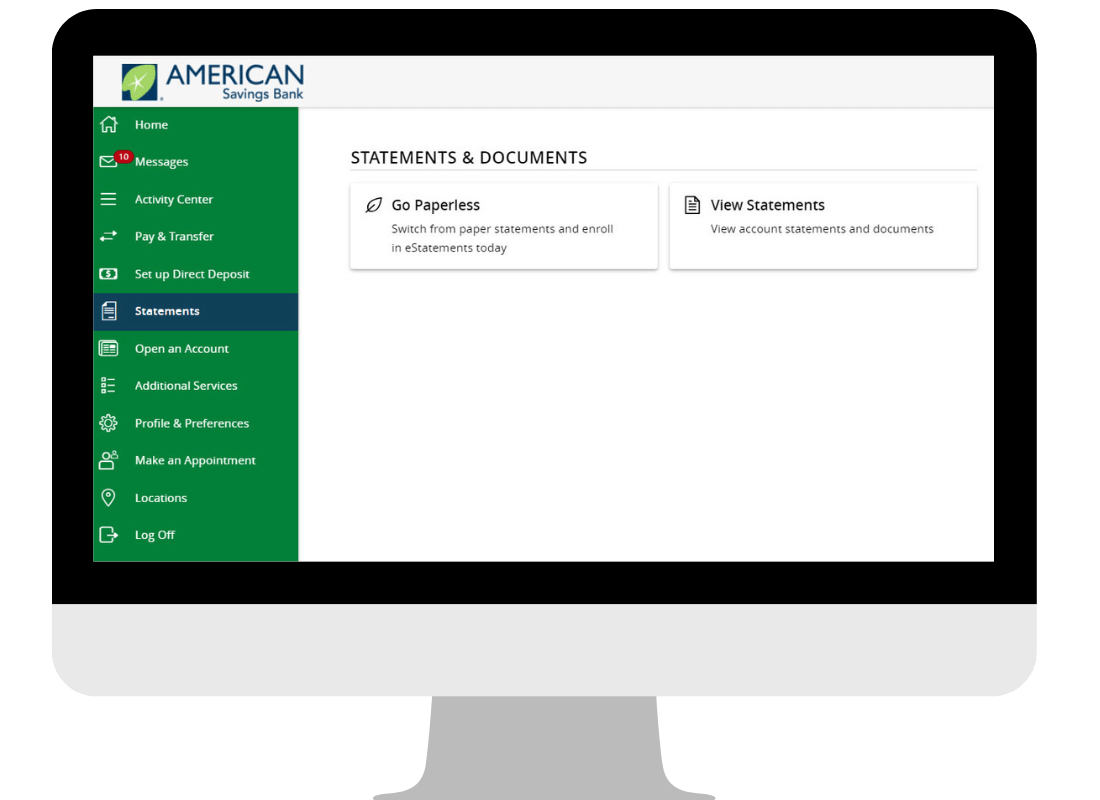
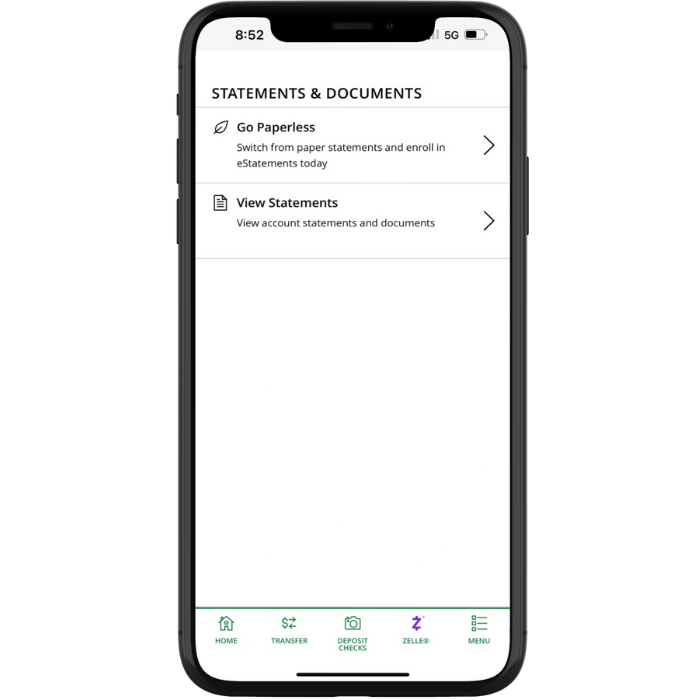
All Online Banking customers will be able to view their statements online.
Customers that have NOT formally enrolled in eStatement, will be able to view their statement electronically, but will continue to receive their PAPER statements.
Customers that are enrolled in eStatements will not receive paper statements.
- Go to asbhawaii.com.
- Enter your Current Login ID and Password in the login field.
- You will be asked to update your password.
- For added security, you will be required to enter a Secure Access Code (either a text or phone call - message and data rates may apply).
Note: When you receive your six-digit Secure Access Code, enter it in the access code screen and click Submit. The Secure Access Code is only valid for 30 minutes. Don't forget to register your device. This will prevent you from having to request a new Secure Access Code when you use this device in the future (only select to register your device that you own and trust). If we do not have your current contact information you will not be able to access the Online Banking system.
See Browser and Operating system requirements here.
For more Online Banking assistance, please visit our complete list of common questions here. Or, you can contact us at (808) 627-6900 or toll-free (800) 272-2566 during business hours.